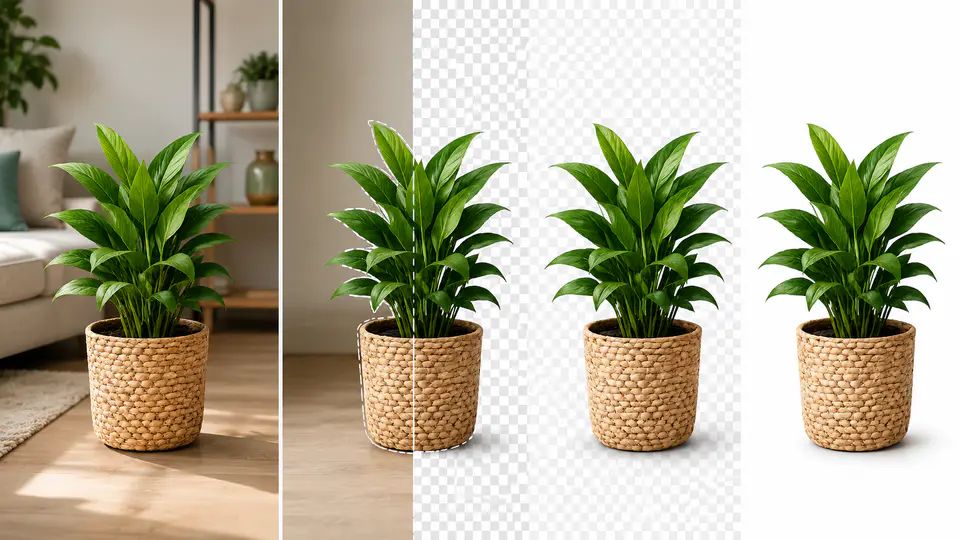
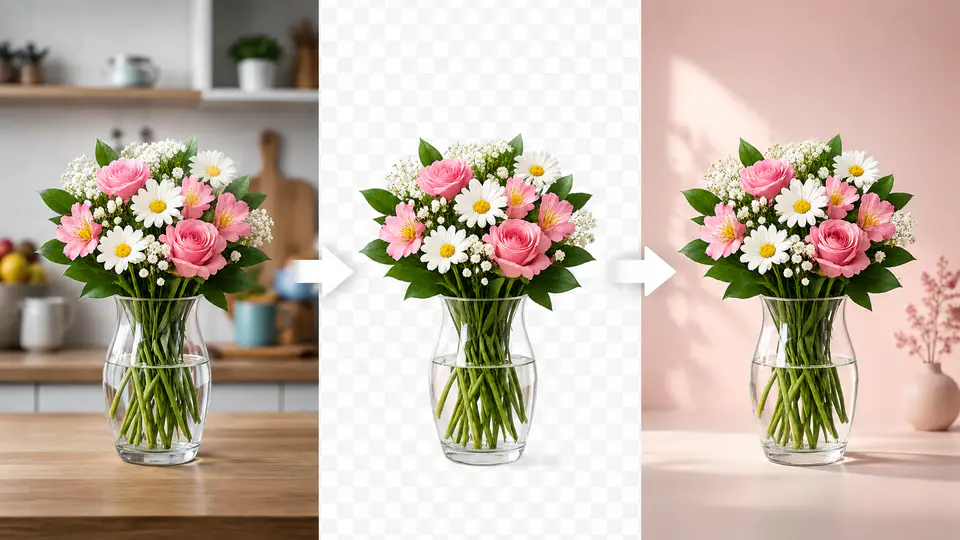
Clean product photos are one of the easiest ways to make an ecommerce page look trustworthy. A white background keeps attention on the product, while a transparent background gives designers more flexibility for banners, ads, marketplaces, and social posts. The …

How to quickly get eCommerce product photos with white transparent background? Read more »

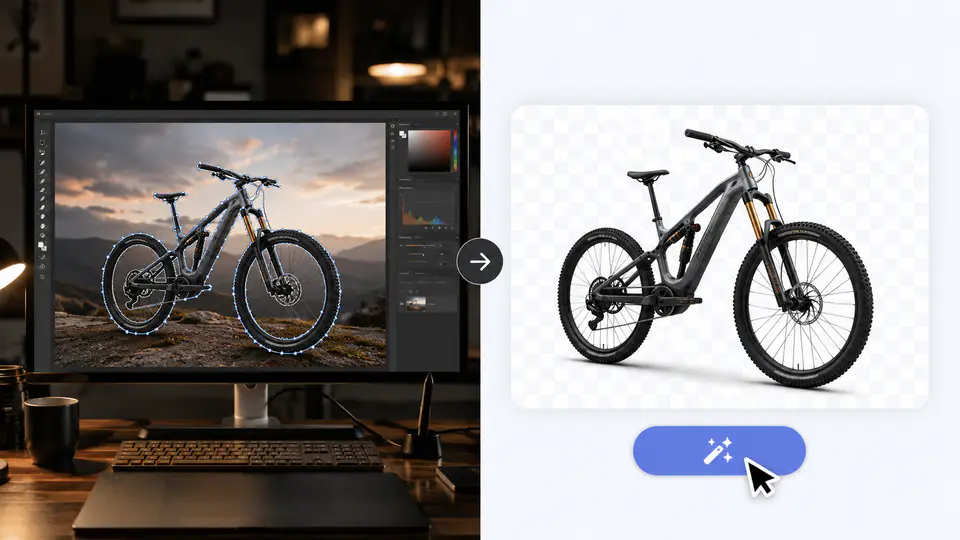
Photoshop can remove the background of a photo, but it is not always the fastest choice. If the subject has clean edges and the background is simple, Photoshop tools such as Select Subject, Quick Selection, and Background Eraser can work …

How to use photoshop to remove the background of a photo Read more »

You do not need Photoshop to remove a photo background. For most portraits, product photos, profile images, and simple design assets, the fastest workflow is to upload the image, let AI detect the subject, and download a clean result with …

How to remove photo background in 2 seconds online? Read more »

Removing the background of a photo is useful whenever the subject is good but the scene behind it is distracting. A clean cutout can turn a quick phone photo into a profile image, product asset, presentation graphic, or design element …

Remove the background of a photo in 10 seconds: a quick guide to cutout Read more »